Plan with Custom Song Filters

matching-songs-custom-filter

Sometimes a standard genre filter isn't enough. Sure, you can filter by pattern, singing style, genre, or search in the Callers Caddy Planner. That's helpful in many situations. But what if you need a very specific selection? For example: You're planning a special night out at the club. You've already created a playlist with suitable songs… Read more

Plan your club night with one click

auto-fill-setlist

An empty playlist wastes time. You probably already know how many tips you need. You also know whether you want to use patterns, singings, or both. Even so, you still have to select each song individually and put it in the right order. That's exactly what Auto-Fill in Planner is for now. With one click, Callers Caddy fills your… Read more

Installing Callers Caddy Updates

callers-caddy-update

Want to update Callers Caddy? Great idea. An update brings you new features, improvements, and bug fixes. Sometimes it's big new tools, sometimes small fixes that make everyday tasks easier. Just make sure you download the right file. There's a difference between the full version and an update file. ① Why even bother with an update… Read more

Crash Report

crash-report

Crashes should, of course, be avoided. The goal is clear: Caller's Caddy should run stably on stage, especially in situations where a caller doesn't want to spend time searching, testing, or restarting. Music must play. Lyrics should be visible. Playlists should work. Nevertheless, no software is perfect. Even rare errors can occur. The important question then becomes: … Read more

ReDesign Callers Caddy

redesign-callers-caddy

First, it had to work. The player was the heart of Callers Caddy from the very beginning. This is where the music plays. This is where patterns and singing calls are initiated. This is where tempo, pitch, loop, lyrics, planner, and many other important functions are located. Therefore, in the first phase, one thing clearly took precedence: the functions had to be there. A prototype… Read more

Shortcodes in Notes

shortcode-in-notes

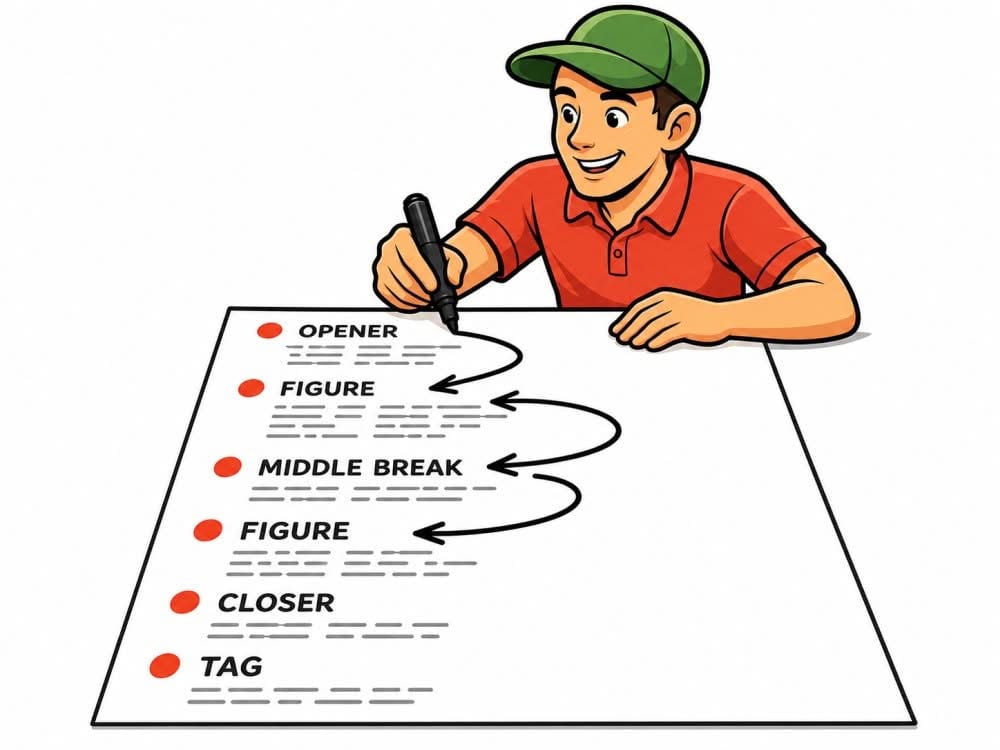
How do you keep track of all the ideas you've planned for a club night? You want to play a specific song. You want to repeat a sequence. You have a suggestion for the class. You want to practice swing thru at a particular point. These kinds of ideas are easy to jot down. But while calling, there's little time to search. That's exactly what this is for… Read more

Find Your Music Blind Spot

music-blind-spot-statstic

As callers, we all have our favorite songs. Some songs just work. They provide a sense of security. They create a good atmosphere. They suit our voices. And that's precisely why they keep appearing in the setlist. The problem is: we often don't even realize how often we call certain songs. At the same time, other tracks remain on the playlist, even though… Read more

Easy Starter Pack – Yellow Rock Records

laptop-yellow-rock-records

You don't really learn a new program through theory alone. Sure, you can read a manual. You can look at screenshots. You can have someone explain what each button does. But the real feeling only comes when you open the program, load music, try something out, and realize: Ah, that's how it works. That's exactly what Callers Caddy is for… Read more

Stream Deck for Square Dance Callers: Music Control Made Easy

stream-deck-square-dance-caller

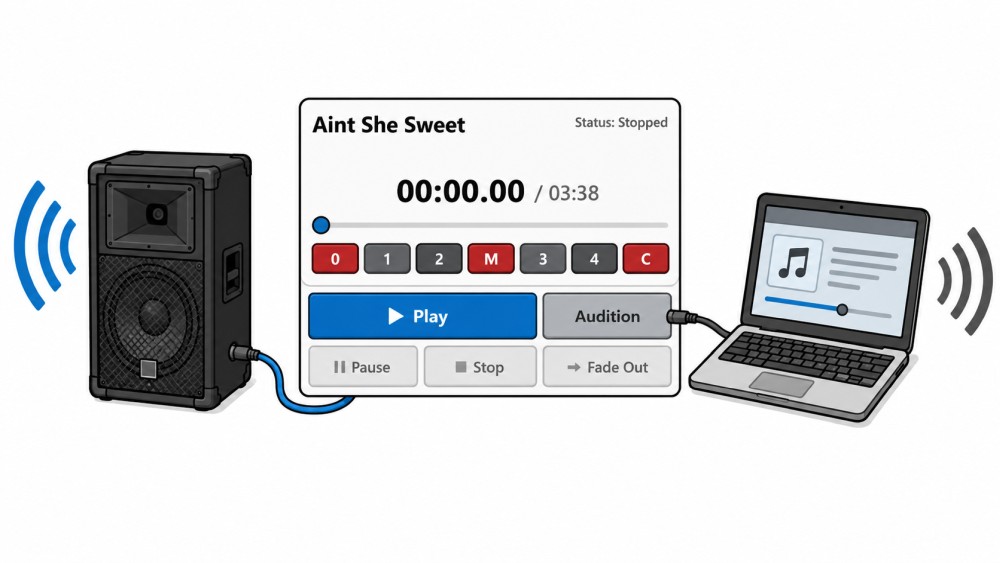
Laptops have already taken a lot of work off the hands of square dance callers. Managing music, searching for songs, adjusting the tempo, displaying lyrics, preparing playlists – many things are much easier today than before. Nevertheless, one small problem remains in live situations: mouse and touchpad aren't always the most comfortable way to control music. Especially when you're simultaneously calling, keeping an eye on the dancers, and so on… Read more

Dual View (ie Lyrics + Sequences)

dual-view

Some features have instant visual impact. The new Dual View is definitely one of them. With it, you can bring two widgets to the forefront simultaneously in Callers Caddy and display them side-by-side as floating windows. This is especially useful when you don't just want to keep an eye on one widget, but need to view two things at once. That's exactly what… Read more