
Volume Limiter

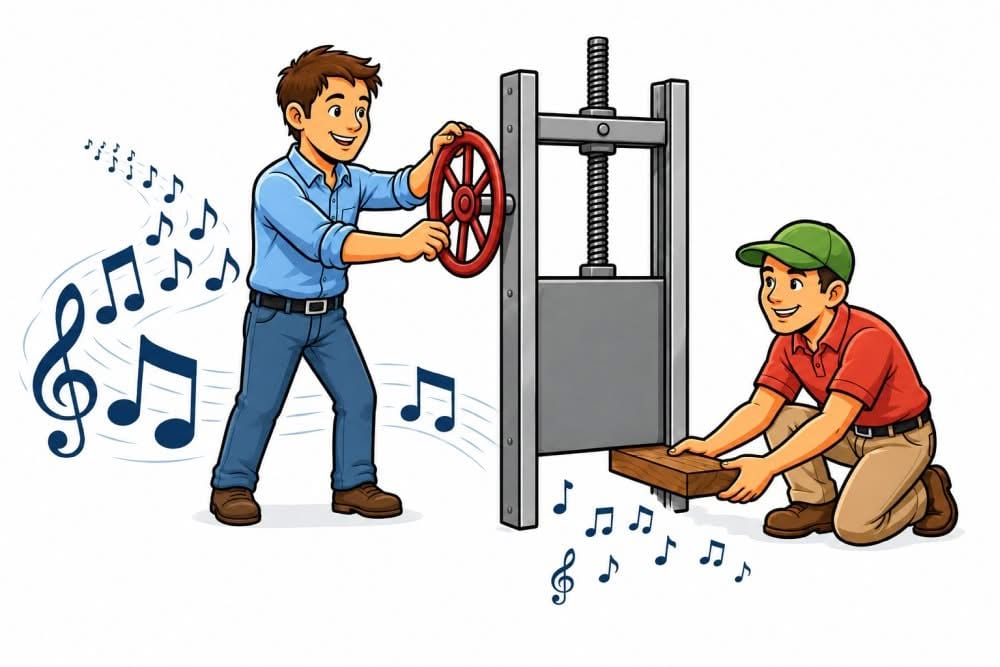
The volume limiter lets you set the maximum volume level allowed in the Callers Caddy. This might sound a little unusual at first, since you'd normally expect the music to be completely off when the volume control is turned all the way down. However, some callers want to be able to hear some quiet background music even at the lowest setting… Read more

Caller's Caddy – HotKeys

press-any-key

Sometimes, when calling, you just need to act fast. That's exactly what the Callers Caddy offers: hotkeys or shortcuts. These allow you to trigger important functions directly from your keyboard, without having to reach for the mouse and click a button. Why hotkeys are so practical: Reaching for a single key is usually faster and… Read more

Never Search for the Song Start Again

listen-to-the-music-find-the-opener

Almost every singing call has an intro. And often an outro too. That's perfectly normal. The music file starts, the intro plays—and only after a few seconds does the actual opener begin. With simple playback, this isn't a problem. But for smart caller software, this exact moment is crucial. Because Callers Caddy can do much more… Read more

New Theme: FIRE

new-theme-fire

With the new FIRE theme, the Callers Caddy gets a fresh new look. Warm, bold, and energetic. But what exactly is a theme? A theme determines the visual appearance of the Callers Caddy. This includes colors, backgrounds, borders, spacing, lines, and other user interface details. The functionality remains the same, but the interface gets its own unique style. Read more

Your Lyrics. Synced Automatically.

syncpoints-automatically

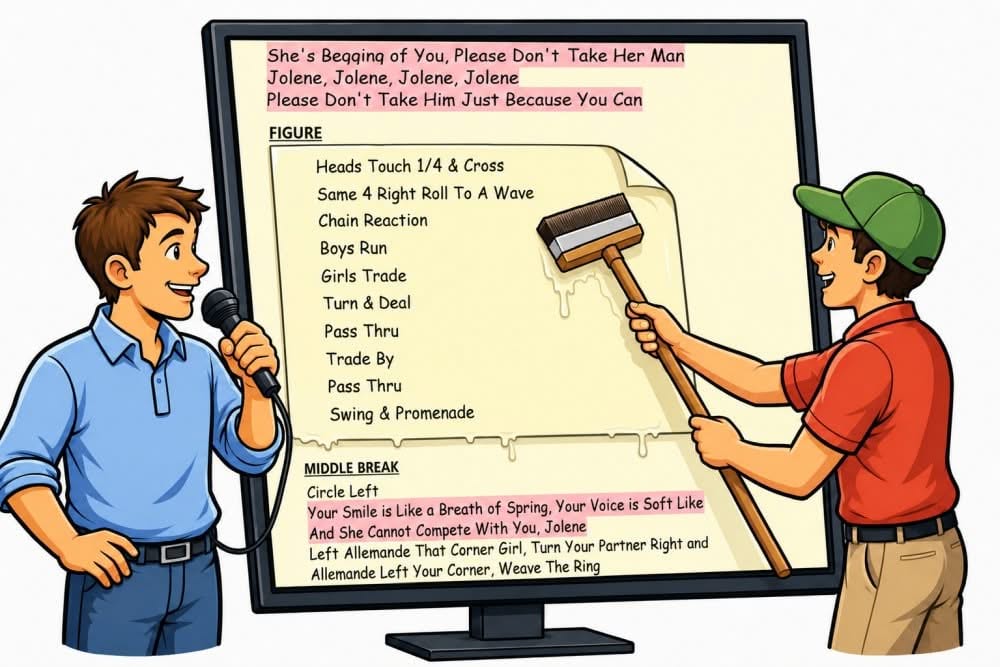
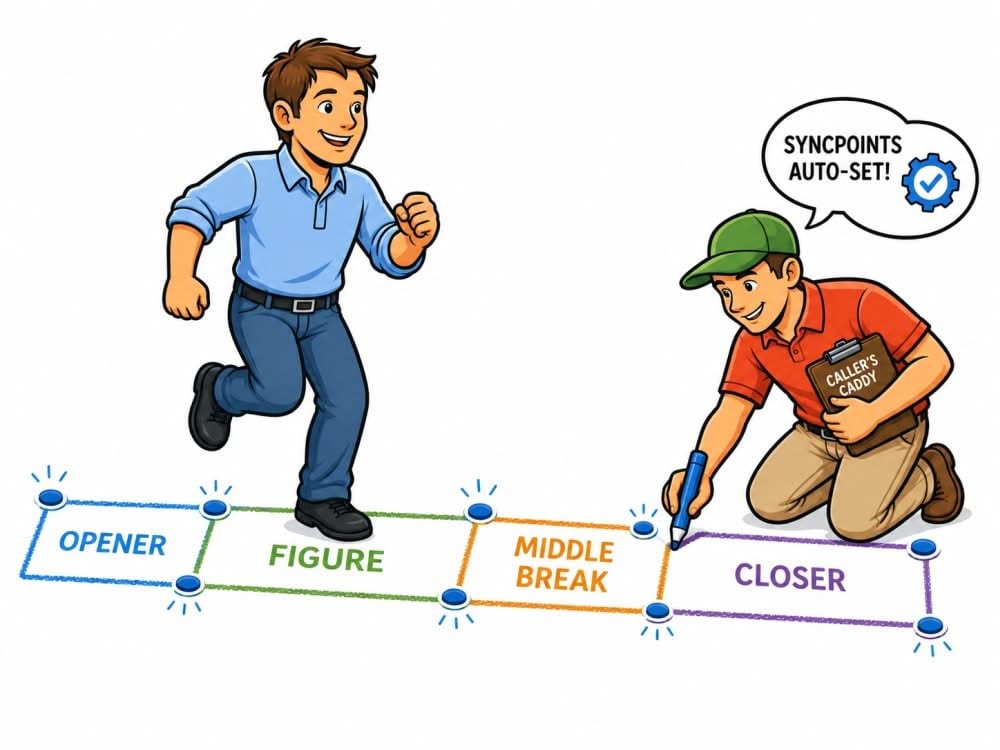
Here's a clearly structured outline in simple, active language: Automatically setting SyncPoints. Lyrics have been able to run in sync with the music in Callers Caddy for some time now. This is made possible by SyncPoints. These are anchor points in your lyrics. While the music is playing, you click on the appropriate points in the text. This way, Callers Caddy remembers when… Read more

Start Right on Cue

countdown

One of the most critical moments in a singing call is the first cue. The music starts, the intro ends, and you need to know exactly when your first call is coming. If you're too early, it feels unsettled. If you're too late, the whole start immediately feels shaky. That's precisely what the Caller's Caddy is for… Read more

Sync Point for smooth auto scroll

sync-points for auto-scroll

Do you know that feeling? You're singing a call, the music's playing, the lyrics are scrolling automatically—but at a crucial point, the lyrics are just a little too early or too late. Maybe at the middle break. Maybe at the closer. Maybe right where you need a quick cue. Automatic lyric scrolling has been handy so far. But with version… Read more

Give Me the ZIP — I'll Do the Rest

zip-music-lyric

Many square dance record labels now deliver new music as ZIP files. After purchasing, you download a file. This ZIP file often contains several music files. In addition, there are frequently several lyrics files, sometimes in PDF, sometimes in DOCX, sometimes in RTF, TXT, or HTML format. Previously, you had to extract these files yourself. Then you had to… Read more

Callers Caddy Now Supports Japanese

callers-caddy-japanese

With version 0.105, Callers Caddy now offers its first Japanese translation of the user interface. This marks the next small but important step: Callers Caddy is becoming more international. The translation capability was built in from the beginning. Callers Caddy was designed from the outset to allow for interface translation. The software launched… Read more

Lyrics – DOCX & PDF Viewer

lyric-docx-pdf

Many callers already have their lyrics and cue sheets stored somewhere on their computers. Sometimes as a text file. Sometimes as RTF. Sometimes as a nicely formatted Word document. And sometimes as a PDF. Until now, this wasn't always convenient. If a cue sheet was a Word file, you first had to open it, copy it, convert it, or move it to another format. Read more