

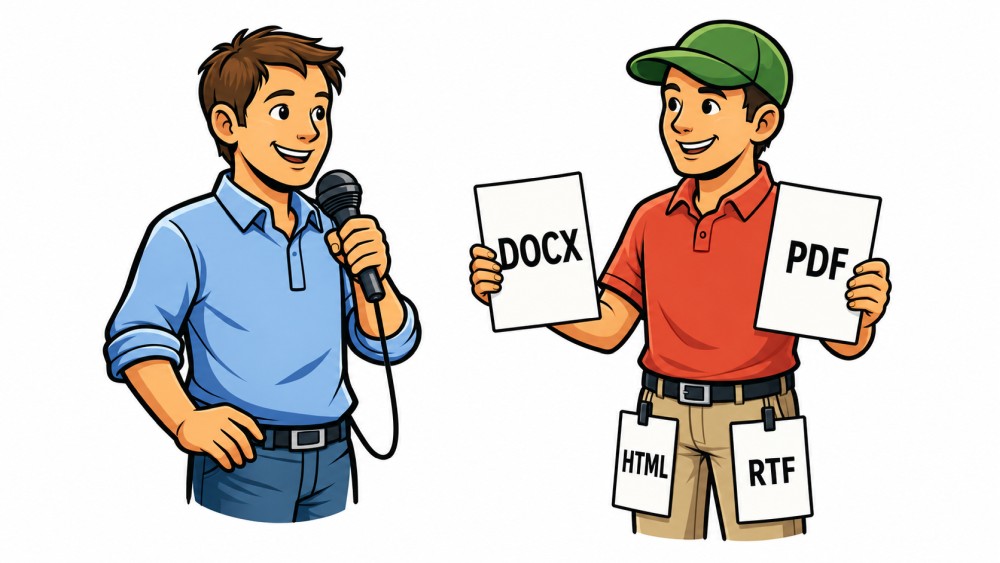
Many callers already have their lyrics and cue sheets stored somewhere on their computers. Sometimes as a text file. Sometimes as RTF. Sometimes as a nicely formatted Word document. And sometimes as a PDF.
Up until now, this hasn't always been convenient.
If a cue sheet was a Word file, you first had to open it, copy it, convert it, or move it to another format. It was similar with PDF files. You had the file, but it wasn't directly available where you actually needed it for calling: in the lyrics window for the relevant song.
This is exactly where the new feature in Callers Caddy comes in.
From version 0.103 Can you now also download lyrics and cue sheets as... DOCX or PDF Link it to a song and display it directly in the lyrics window.
Display Word documents directly as lyrics
If you want to use your lyrics as Word file (.docx) If you have saved it, you can now directly link it to a song.
Callers Caddy displays the content in the lyrics window. Many typical formatting options are retained, for example:
- Font sizes
- a large, centered title
- Indentations
- bold, italic and underlined
- colored text highlights
- colored background markings
This is especially useful with cue sheets. Many callers use color to mark certain sections: tags, important cues, special instructions, or places where they want to pay particular attention.
If such markers are present in a Word file, they can now remain visible in the lyrics window.
And the best part: You don't need anything for that. No Microsoft Word installed. Callers Caddy can display the DOCX file itself.
Use PDF files as a quick reading view
Also PDF files can now be linked to a song and displayed in the lyrics window.
It is important to note that PDFs are deliberately treated as such in Callers Caddy. Text reading view depicted.
This means you can quickly read and use the call text. However, the exact PDF layout is not recreated. Colored highlights or special visual formatting from the PDF are also not retained.
This is a conscious decision.
PDF files are technically complex. They were not originally designed to be flexibly edited or exactly reconstructed in another program. Therefore, Callers Caddy displays PDFs as readable text in the most practical way possible.
If you need full formatting with colors, highlights, and layout, a format like [format name] is still available. Word, RTF or HTML better suited.
Why Word and PDF files cannot be edited directly
Word and PDF files are very powerful, but also very complex file formats.
A built-in, full Word or PDF editor in Callers Caddy is therefore not planned. That would make the software unnecessarily complicated and defeat its actual purpose.
Caller's Caddy is there to help you with calling.
It should support your music, your lyrics, and your workflow. However, it is not intended to replace Word, LibreOffice, or a PDF editor.
That's why DOCX and PDF are purely supported in Callers Caddy. Display formats.
You can link them to songs and read them during calls. The original files remain unchanged.
What happens if you still want to change something?
If you are looking at a Word or PDF lyric Change If you click, Callers Caddy offers you a practical solution.
The program can extract a file editable HTML copy create.
You can then edit this HTML copy directly in Callers Caddy. The original Word or PDF file remains unchanged.
This is particularly safe because you won't accidentally damage your original file. At the same time, you get a version that you can customize in Callers Caddy.
You may already be familiar with this principle from RTF or text files: If a format is not to be edited directly, Callers Caddy creates an editable HTML version.
More freedom for your existing collection
The new feature is especially helpful if you have already collected a lot of lyrics or cue sheets.
You don't need to reorganize everything or convert it extensively. You can link existing Word and PDF files directly to your songs and use them wherever you need them.
This saves time and makes your existing collection more usable.
For beautifully formatted lyrics with highlights DOCX This is particularly interesting. It can also be used for simple call texts that you want to read quickly. PDF that is perfectly sufficient.
Conclusion
Callers Caddy now also supports Word documents and PDF files as lyrics.
Word files can be displayed with many formatting options. PDFs serve as a quick text-reading view. Both formats remain purely display formats.
If you want to edit something, Callers Caddy can create an HTML copy upon request, which you can then customize directly.
This way you can use your existing lyrics and cue sheets even more easily, without changing your original files.
Thanks David,
Finally, a functionality that I miss in other products.
With pleasure, Michael. I have it easy, really, just fulfilling user requests. That way I can never go wrong.
My lyrics are all HTML documents
Will Callers Caddy work with this format, or do I need to convert them to DOCX or PDF?
Victor D.
Hello Victor, HTML is the best format for that purpose. Please don't convert it to DocX or PDF. HTML can be resized and reformatted very easily, in the two other formats this is much harder to handle. That's the reason why I always suggest to use html.