

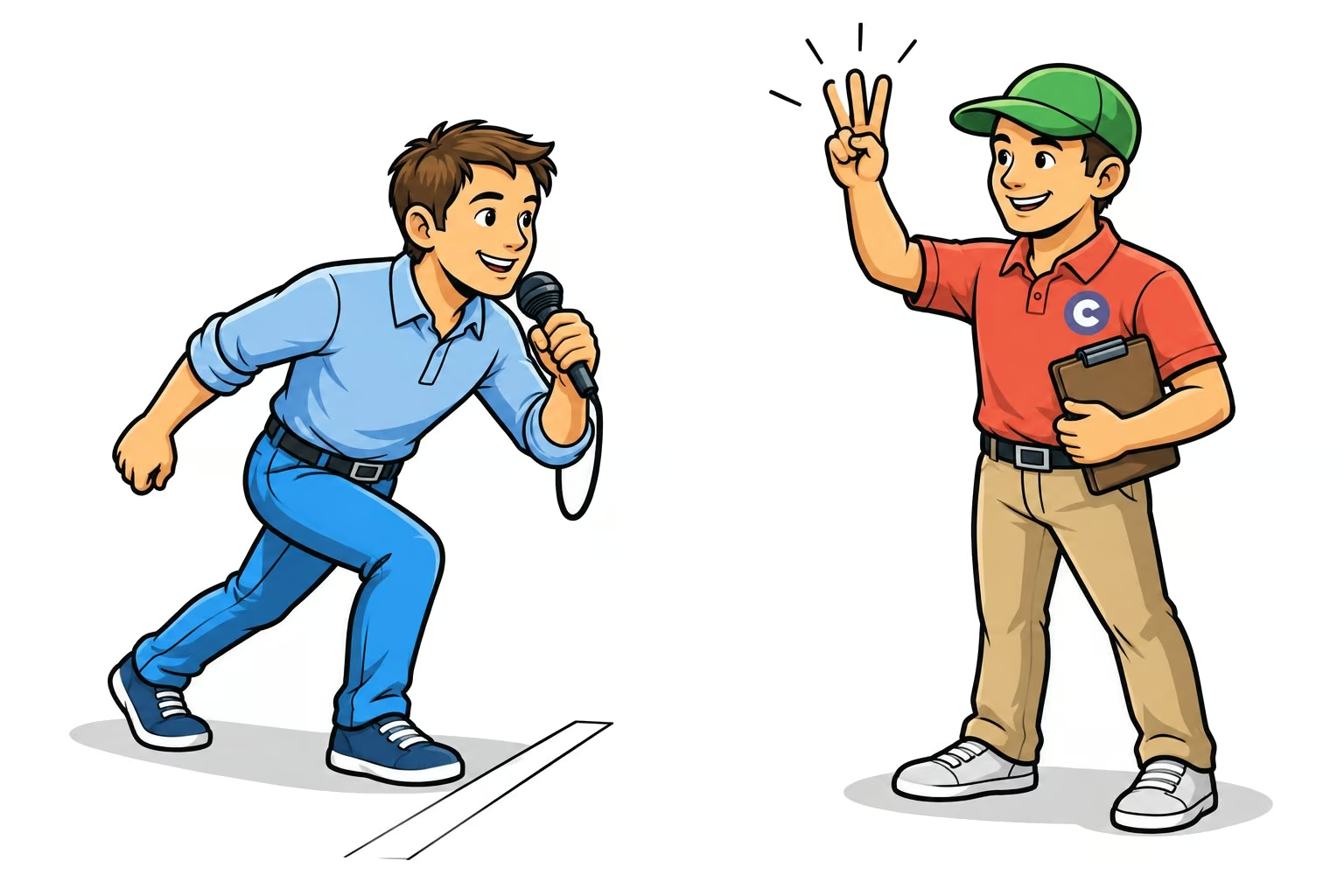
One beat too late. Again. Your gaze was on the dancers, and when you looked back at the screen, the figure was already running.
That's exactly when the Callers Caddy counts for you now.
A countdown right in the display bar
On the right side of the display bar, there's a small number. It shows the beats until the next section: Opener, Figure, Middle Break, or Closer. The number continues to run even if the bar briefly waits at the end of a figure.
Standard is 8 beats lead time. A quick glance is enough, and you know how much time you have left. Your eyes can stay on the dancers, and you won't miss a cue.
Here's how to set up the countdown
The countdown is automatically activated from version 0.161. You can find it under Settings → Lyrics:
- In-display bar countdown turns it on or off.
- In-display bar countdown: Lead time determines how many beats before it starts counting.
For the countdown to know when the next section comes, your song needs sync points and a BPM value. You can read about how the sync points are created in Your Lyrics. Synced Automatically..
How much lead time do you like before the next section: 4, 8, or 16 beats? Write it in the comments.