

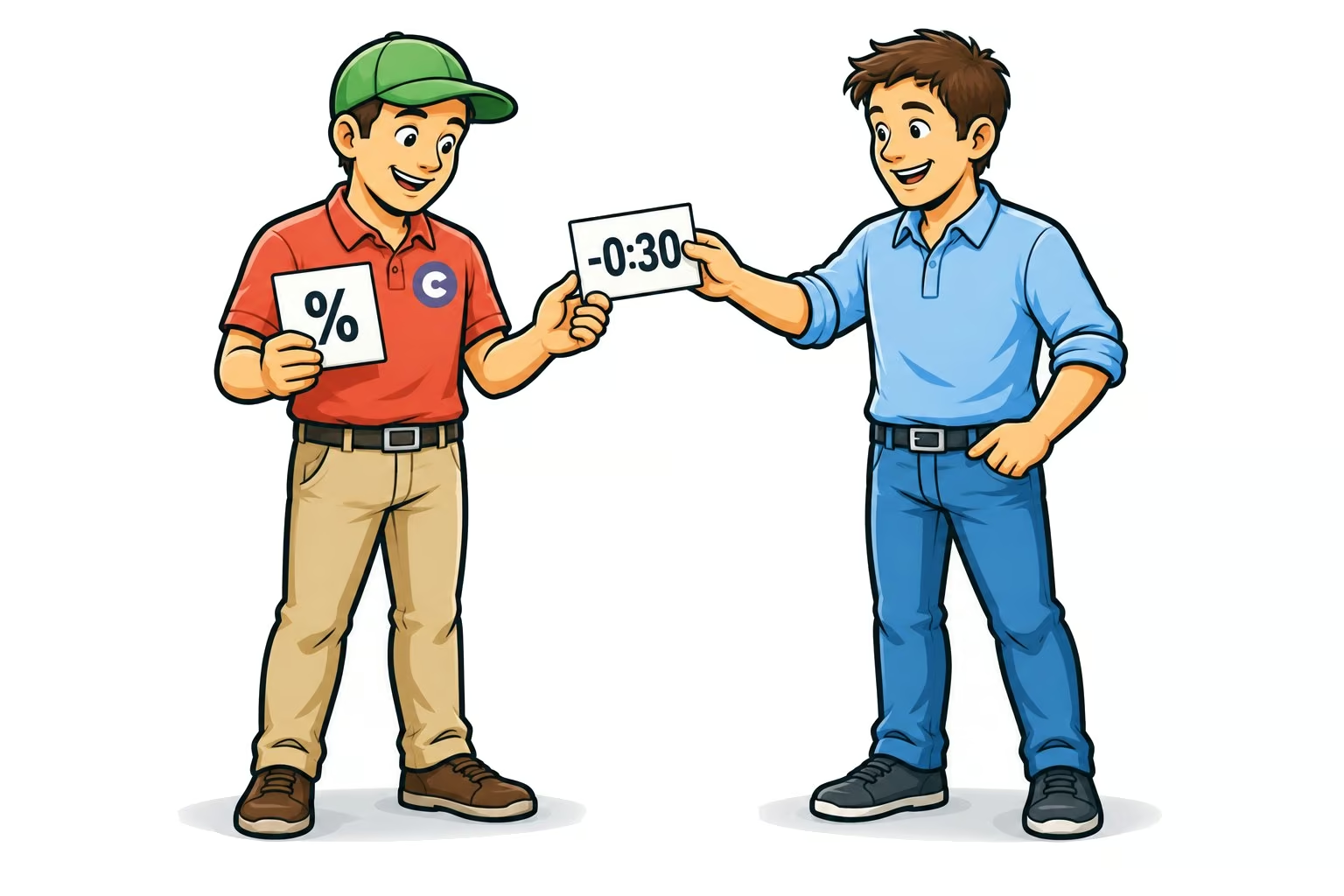
20 seconds intro. Every time. With many Patter songs, the intro is always the same length, regardless of whether the song lasts three or five minutes.
So why should the Loop Finder think in percentages?
Search window in seconds
Starting from version 0.162, you tell the Loop Finder in seconds, where to search:
- Loop-In: for example, between +0:20 and +0:59 after the song starts.
- Loop-Out: for example, between −0:50 and −0:20 before the song ends.
This works for both the 3-minute song and the 5-minute song. If a song is too short for the windows, the Loop Finder won't search and will show you a hint.
Here's how to switch
Next to the presets in the Loop Finder, there's a new switch „% / Time“. When switching, the Callers Caddy recalculates the values based on the loaded song.
Your presets now remember whether they were set up in percentages or as time. Your old presets will continue to run unchanged. You set the mode that should apply at startup under Settings → Loop fixed.
This also applies to the rule „Auto-Set Best Loop“ and for „Set All Loops“ in the Potential window. There you now select the preset, which is set to „Singing“ by default.
Get the latest version in the download area. What intro length do your favorite Patter have?