

Song Feedback – Learn From Every Song

song-feedback

With version 0.82, Callers Caddy gets a new feedback feature. This solves a problem many large music collections face: the data actually needs to be maintained. But this task quickly feels overwhelming. Entering quality, assessing ERR, adding notes, checking songs, correcting values—if you have a lot of songs, this can take a long time. And then this often happens… Read more

Select Your Audio Output

select-your-audio-channel

Sometimes you don't want to play a song through the main sound system. Maybe a fellow caller is sitting next to you at their computer. You want to quickly play them a song. Or you want to listen to a track yourself without the whole room hearing it. Until now, this was often cumbersome. You had to change the audio output in Windows. Or unplug and replug cables. Or hope that the right one was selected… Read more

Plan with Custom Song Filters

matching-songs-custom-filter

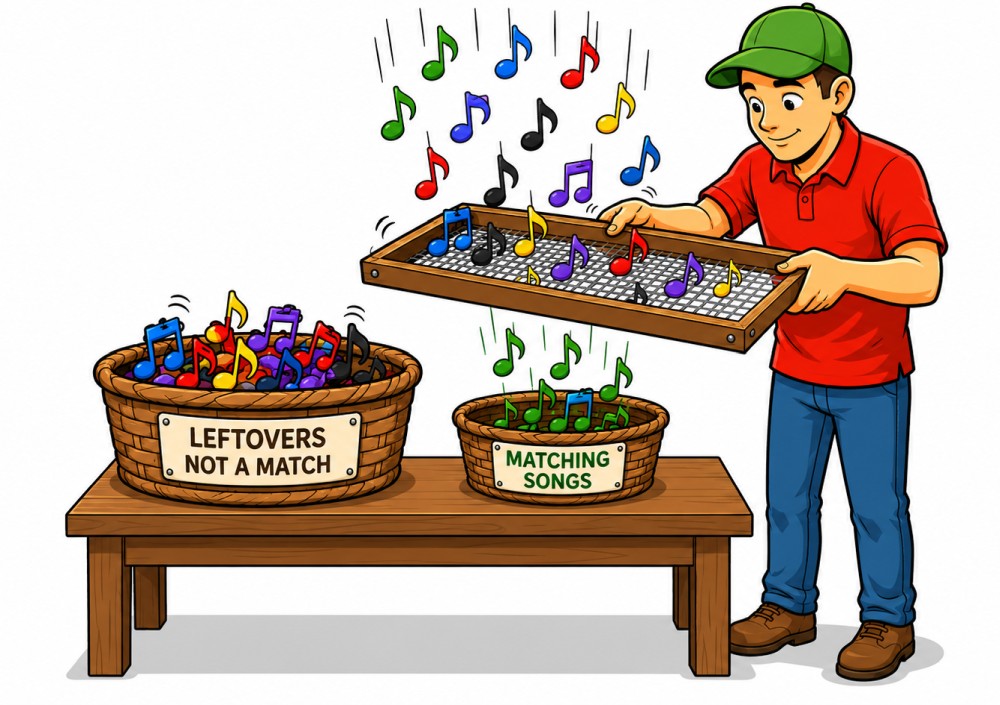
Sometimes a standard genre filter isn't enough. Sure, you can filter by pattern, singing style, genre, or search in the Callers Caddy Planner. That's helpful in many situations. But what if you need a very specific selection? For example: You're planning a special night out at the club. You've already created a playlist with suitable songs… Read more

Installing Callers Caddy Updates

callers-caddy-update

Want to update Callers Caddy? Great idea. An update brings you new features, improvements, and bug fixes. Sometimes it's big new tools, sometimes small fixes that make everyday tasks easier. Just make sure you download the right file. There's a difference between the full version and an update file. ① Why even bother with an update… Read more

Crash Report

crash-report

Crashes should, of course, be avoided. The goal is clear: Caller's Caddy should run stably on stage, especially in situations where a caller doesn't want to spend time searching, testing, or restarting. Music must play. Lyrics should be visible. Playlists should work. Nevertheless, no software is perfect. Even rare errors can occur. The important question then becomes: … Read more

Shortcodes in Notes

shortcode-in-notes

How do you keep track of all the ideas you've planned for a club night? You want to play a specific song. You want to repeat a sequence. You have a suggestion for the class. You want to practice swing thru at a particular point. These kinds of ideas are easy to jot down. But while calling, there's little time to search. That's exactly what this is for… Read more

Caller Notes

caller-notes

Anyone who regularly calls for clubs, prepares a special, or teaches a class knows the problem: there are always a few things floating around in your head. These thoughts are often important – but unfortunately, they're not always there when you need them. That's precisely why Callers Caddy now offers a new feature: Notes. The new… Read more

Press ANY Key

press-any-key

Anyone who calls from a laptop or PC quickly encounters the problem: there are more things you want to do with a single keystroke than there are conveniently available keys. Initially, the standard keys are often sufficient. In Callers Caddy, the F5 to F8 keys are already sensibly assigned – for Play, Pause/Resume, Stop, and Fadeout. Read more

Auto-Import Lyrics

caddy-attaches-lyrics-to-mp3

The age-old problem: Manual linking. Anyone who regularly imports new songs into their music player knows the scenario: You have a nice MP3 file—and often a lyrics file (RTF, HTML, or TXT) alongside it. The classic workflow: For 10 songs? Doable. For 100 songs? Tedious. For 1,000 songs? Unrealistic. The solution: Lyrics co-import in Callers Caddy. From… Read more