

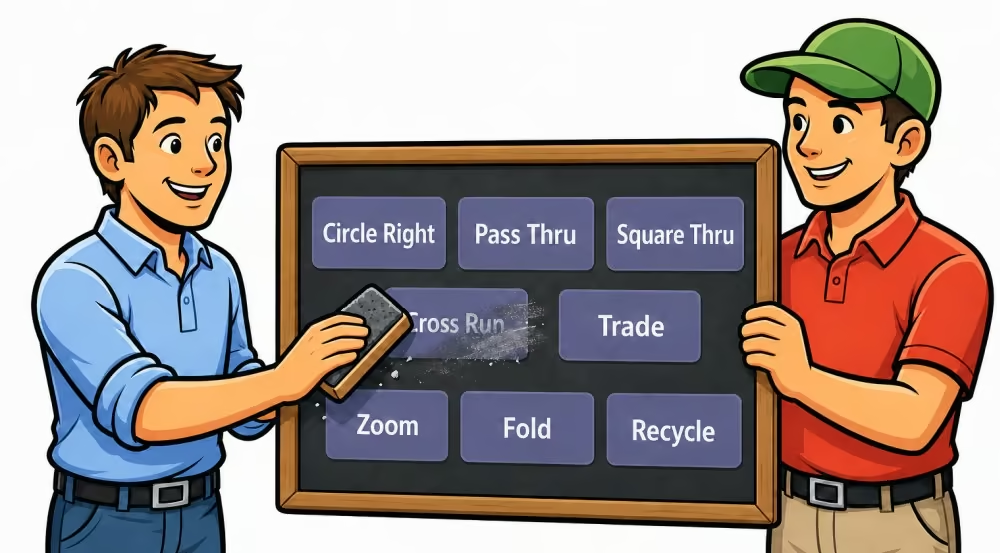
Since September 1st, the new Mainstream, Plus, and A1 programs. are in effect. At the beginning, this raises a practical question:
Did I really use every call at least once during the club night?
Many callers print out the respective call list and check off the figures one by one. That works – but it doesn't quite fit with a digital and as paperless as possible workspace.
That's why there's now the new To-Call List.
Your digital checklist for the club night
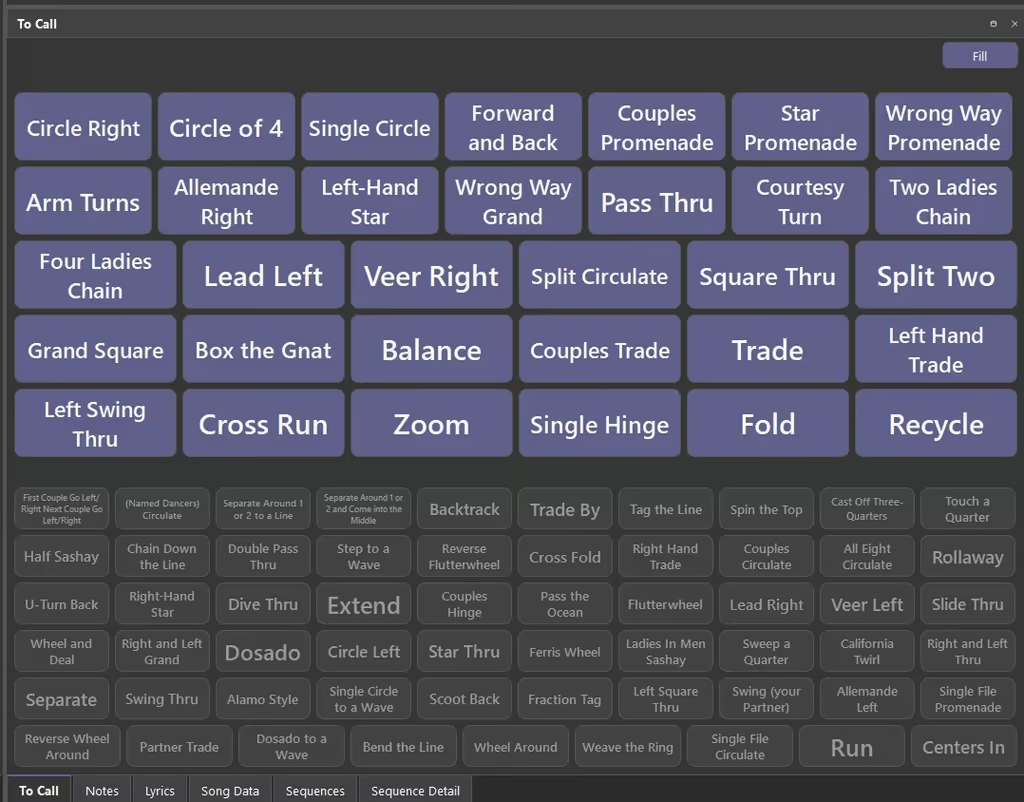
The To-Call List is a new widget with a freely scalable area full of buttons. Like the other widgets in Callers Caddy, the available space is used optimally: The buttons automatically distribute themselves and adjust their size to the area.
With the Fill Button you simply select a call list. Afterwards, you can deselect individual calls that you don't need that evening.
Then all selected calls appear as buttons in your To-Call List.
Call used? Just check it off!
As soon as you've used a call, click or tap the corresponding button. The completed call will turn gray and move under the still open calls.
This way, the list gets shorter throughout the evening. Still, the already used calls remain visible and can be retrieved again if needed.
Especially handy on a laptop or convertible with a touchscreen: Call used, just tap, done.
Also suitable for evening planning
You can not only fill the To-Call list directly but also prepare it through your notes.
For this, you let yourself write a Shortcode in a note field when creating the list. This way, you can prepare your agenda for the club evening and directly specify which calls should fill the To-Call list.
You can take over complete dance programs, add individual calls, or exclude certain figures.
A little challenge for the next club evening
Why not set yourself the goal:
Today I will use every call at least once.
The new To-Call list shows you at any time which calls are still open – clear, space-saving, and without any printed paper.