

Here is a clearly structured draft in simple, active language:
Set SyncPoints automatically
Lyrics have been able to play along with the music in the Callers Caddy for quite some time now.
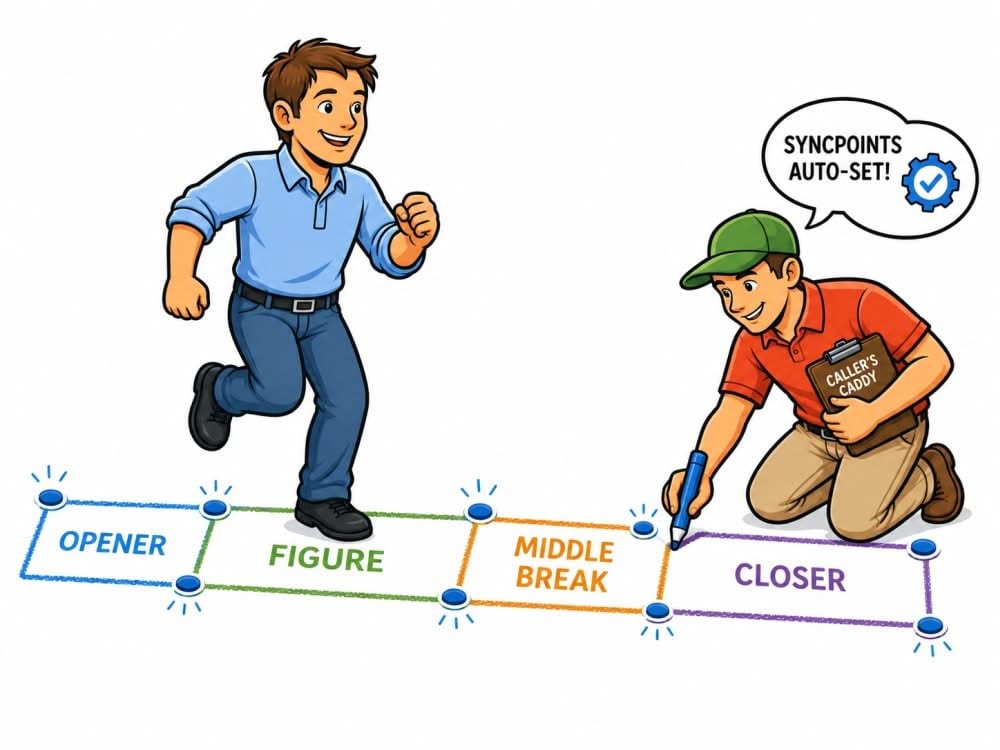
That's what the SyncPoints. These are bookmarks in your lyrics. While the music is playing, you click on the corresponding parts of the text. This is how the Callers Caddy remembers:
When should which part of the lyrics be displayed in the middle?
This already works manually. But to be honest: it does take a bit of time.
And that's exactly where the new feature comes in.
Less tedious work for callers
When developing the Caller's Caddy, I keep asking myself the same question:
How can the caller's caddy relieve the callers of tedious work?
At the Auto Loop Finder That was already the idea. Many callers shouldn't have to spend a lot of time searching for a good loop. The caller's caddy should help and take over a large part of the work.
The situation is similar with SyncPoints.
You can still set them manually. But in many cases, the caller's caddy can now prepare them automatically for you.
What the caller's caddy needs to know beforehand
For the automatic calculation to work, the Caller's Caddy needs two points in time:
When does the actual singing call begin?
So usually the moment when the first call begins.
When does the seventh part of the Singing end?
So, the last beat from the closer.
Everything before that is the intro. Everything after that is the outro.
These two points are important because the Callers Caddy uses them to calculate the time window of the actual song.
This is how you set the start and end
You open the Lyric Widget and click on the Sync Button.
This activates edit mode for these SyncPoints.
Then you start the song.
The order is important:
First, activate the Sync button.
Then start the song.
Once the song reaches the point where your singing actually begins, you click on the Start Button right next to Sync.
After that, you can fast-forward the song to just before the end.
On the last beat of the closer, you click on the End Button.
Perhaps you've already taken these exact steps if you've ever read the Countdown to the start you wanted to use it.
Automatic or manual?
Once the start and end times are set, the caller's caddy will ask you:
Should it set the SyncPoints automatically?
Or would you prefer to set them manually?
If you select automatic dialing, the Callers Caddy will begin calculating.
How the automatic calculation works
First, the caller's caddy calculates the time window between start and finish.
Then he divides this time window by 7.
This fits with the structure of a singing call. A singing call typically consists of 7 parts.
That's the easy part.
Then it gets more exciting.
The Callers Caddy searches the linked lyric file for typical keywords. For example:
OPENER
FIGURE
MIDDLE BREAK
CLOSER
DAY
From these terms, the Callers Caddy recognizes which text sections belong to which parts of the song.
You can expand this list of keywords later if needed. In most cases, however, this shouldn't be necessary.
I analyzed approximately 700 singing calls from my own repertoire to identify the common terms. Using these terms, the caller's caddy was able to automatically set the SyncPoints in 93 of all singings.
14 SyncPoints per song without manual intervention
The Caller's Caddy sets a SyncPoint at the beginning and end of each song section.
With 7 parts, that results in 14 SyncPoints per song.
You no longer need to set these 14 points individually by hand.
This saves time. Especially if you're preparing not just one song, but many.
What you get out of it
With very little effort, your lyrics now run almost in sync with the song.
The Callers Caddy shows you the relevant part of the lyrics during the song. And if a character is only mentioned once in the lyrics, the Callers Caddy can jump back to that point.
This keeps your lyric window closely aligned with the song's progress.
I believe no other tool on the market can currently do that in this way.
You don't have to use it. But you can.
Of course, not every caller needs synchronized lyrics.
Some callers know their songs by heart. Others prefer to work with written notes. And still others hardly need the lyrics on the screen while calling.
But if you use Lyrics in Callers Caddy, this feature can save you a lot of work.
You set the start and end.
The caller's caddy takes care of the rest.
And that's exactly what it's there for.