

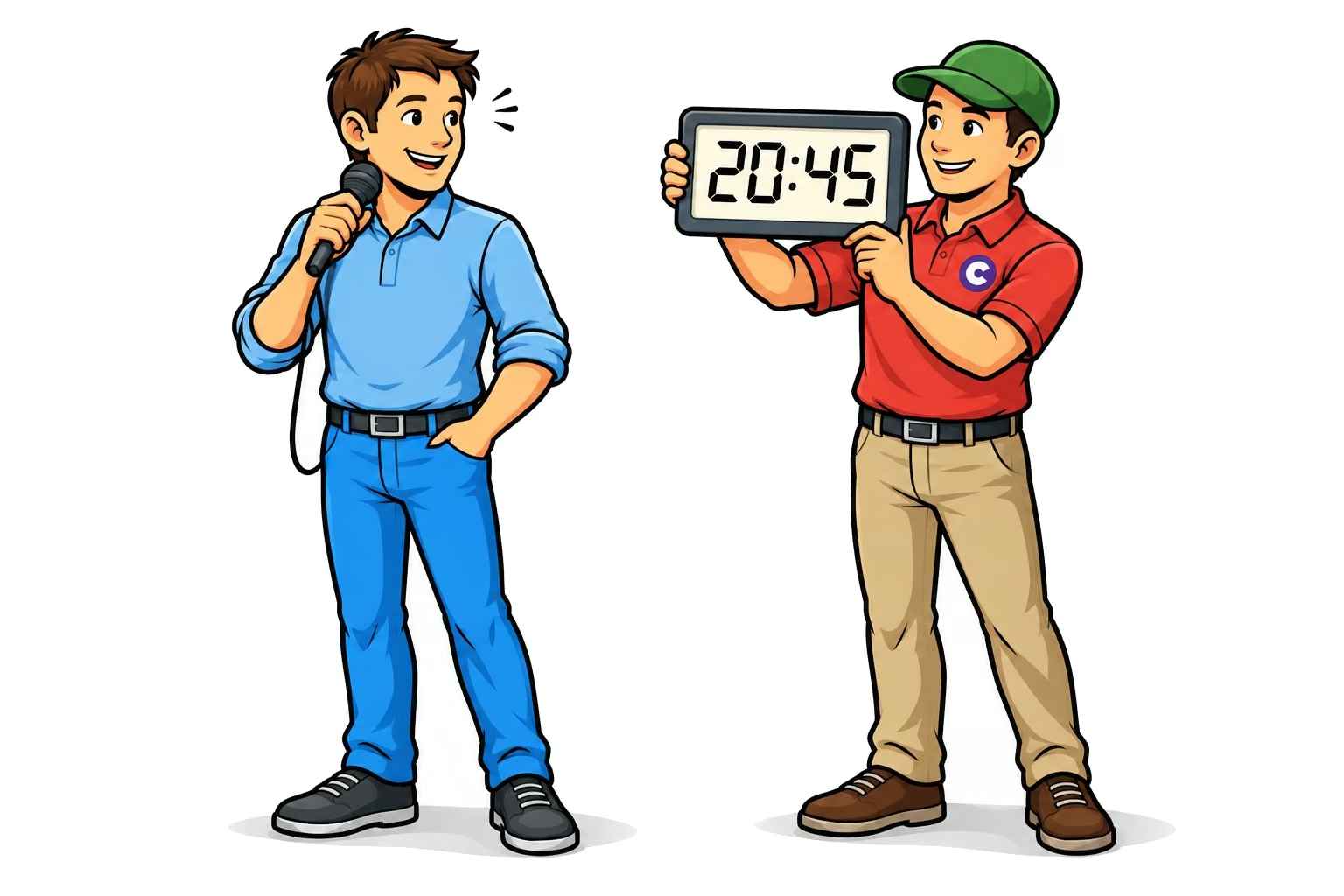
Another tip before the break or already two? You reach for your phone to check the time. And for a moment, your eyes are not on the dancers.
From version 2.0, the Callers Caddy has its own clock.
The time in clear view
The clock shows you the current time throughout the entire dance event, right next to the player and lyrics.
- Like every widget you can dock the clock or place it freely on the screen.
- The numbers grow with it. If you make the widget larger, the time will also get bigger.
- Standard is the 24-hour format without seconds, along with the day of the week and date below.
The clock shows the time of day. For the break, there is the break clock with a countdown. What you can control automatically with it, you can read in Rules for the Break Clock.
How to set up the clock
- In the menu View click on Clock. This will display the widget.
- With a Right-click on the clock opens its menu. There you can turn on or off:
- seconds
- Date below the time
- 12-hour format with AM and PM
- You can also find the same switches under Settings → Clock.
Your selection will be remembered by Callers Caddy for the next start.
Where does the clock sit for you: docked next to the player or large on the screen? Write it in the comments.
Try it out yourself
Free · Windows · no installation required


